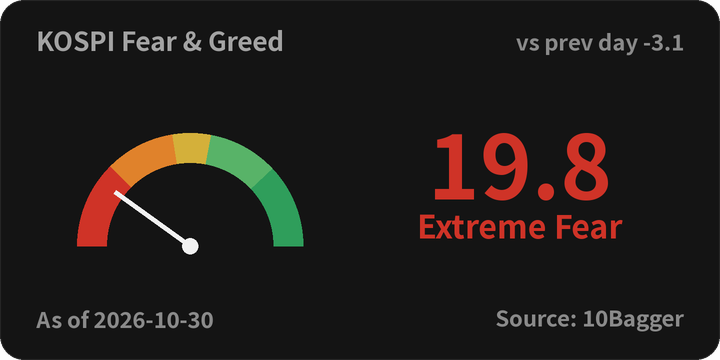
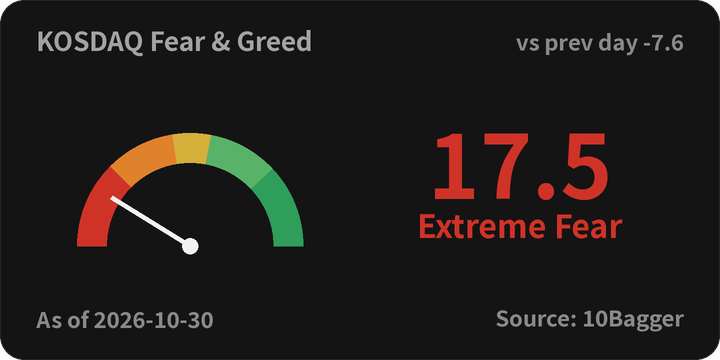
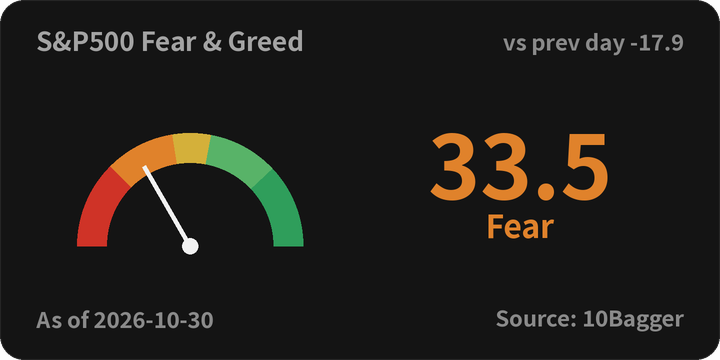
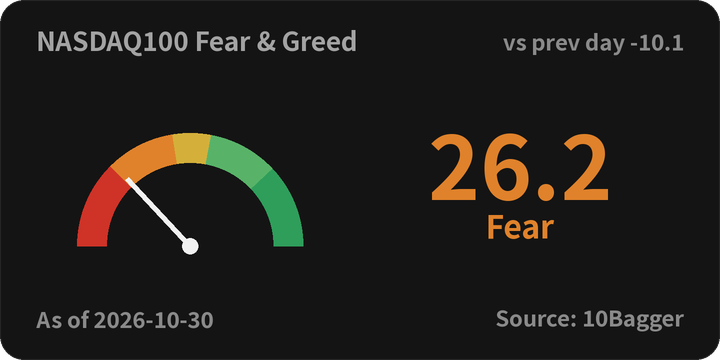
Pick a theme and shape, copy the code, and the score and zone update on their own.
Clicking the widget or image opens that market on 10Bagger. The widget is current whenever it loads. The image refreshes twice a day, after the Korean and US closes, and shows its as-of date.
How to add it
Pick a theme, shape and market in Build a widget below and copy the code. For Notion, paste the URL into an Embed block.
Where iframes are blocked (Naver Blog and Cafe), use the image code. With no HTML mode, insert the picture from the Image URL and link it to the Link URL.
Keep “Source: 10Bagger” visible either way. The link itself is the attribution.
Build a widget
Pick a theme, shape and market to generate the code. “All” cycles through the four markets every 5 seconds. Use the iframe code where HTML is allowed, or paste the URL into a Notion embed. Where iframes are blocked (Naver Blog and Cafe), use the image code below.
Theme
Shape
Market
Image for Naver Blog and Cafe
Where iframes are blocked, paste an image with a link. The image refreshes twice a day.